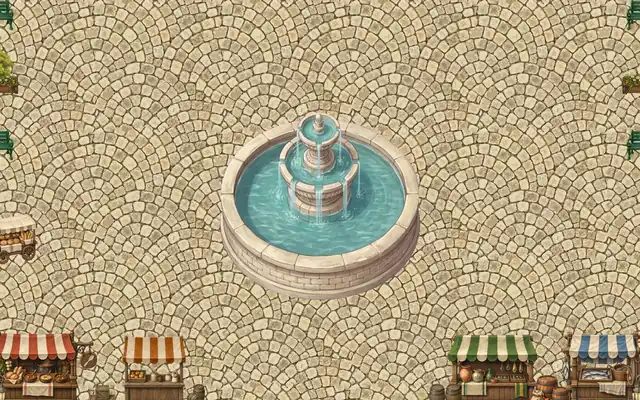
Redred Online is a cute pixel-art MMORPG that opens right in your browser. No download, and it runs on PC, iPhone and Android.
Five classes
- Swordman holds the front line with a Sword and Shield, or a two-handed Greatsword
- Thief strikes fast, lands criticals, vanishes and Backstabs
- Archer shoots from afar with element arrows and a Falcon partner
- Mage blasts whole packs with fire, ice, lightning and earth
- Cleric heals and buffs the whole Party, or takes the holy attack path
Read more about each one in the class guide.
The Closed Beta is close
The team is finishing the last pieces before the Closed Beta. The date goes out on Discord first, so come in, talk to the team and line up your Party.
Meanwhile, see how to play full screen on your phone so you're ready on day one.